
Full desktop experience—now on mobile.
Built for active traders.
Investing involves risk. You may lose more than your initial investment.





Live Stock Scanner
Always on your homescreen

Real-time Locates
From 4 AM ET

159 News Channels
Wire, press, & SEC filings

Hotkey Decks
Hold to arm, tap to send

Single-Leg Options
From options chain to order ticket

TradingView Charts
1 minute to daily, embedded
Find the Trade — ProScanner
Filter the noise. Isolate the setup.
ProScanner filters the market in real time. Spot momentum breakouts and large-cap movers as they happen. Choose from five built-in presets or customize your own scans with 14 filters, including float and volume. Found a setup? Go from scanner to order ticket in just two taps.

Stock Scanner
Use ours or build your own
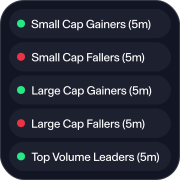
Ready-made scans
Small and large cap gainers and fallers, plus top volume leaders, on 5-minute moves.
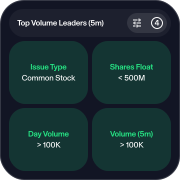
Custom scans
Build from 14 filters. Saved and reusable across sessions.
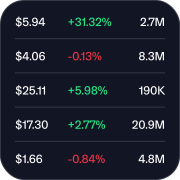
Full-screen view
Expand the scanner when you need the space.
Also in the Explore tab, with columns, filters and sort order you set.
Find the Trade — News
News cut to what you trade
Filter to the sources that move your names and save the setup as a named preset. Small Cap News and Large Cap News ship with the app.
Articles open in a built-in reader, and Benzinga Squawk streams live audio while your hands stay on the trade.

116
Wire Sources
From major newswires to specialised feeds
38
Press Release Sources
Direct from companies as filed
5
SEC Filing Feeds
Including 8-K, S-1 and 13-F, in real time
Enable the Trade — Locate
Short locates, from your phone
The full locate desk, available from 4:00 AM ET. Cover your setup before the open without being at the desk.
Open it from the Locates tab, the Quote screen, Hot Locates on Explore, or a dedicated hotkey.

Locates on ZeroMobile
How it works
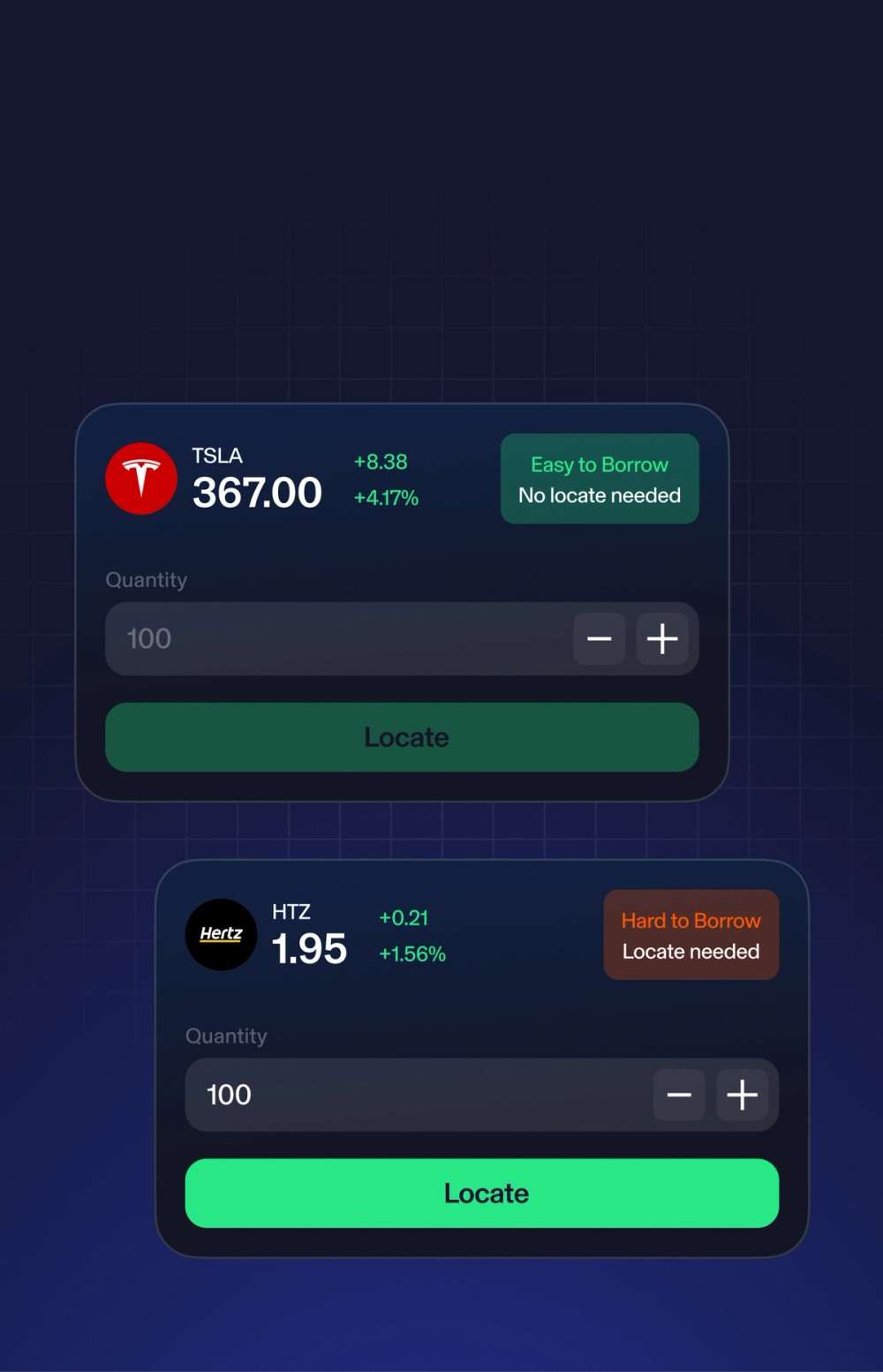
Check borrow status
See ETB or HTB status before you commit to the trade.
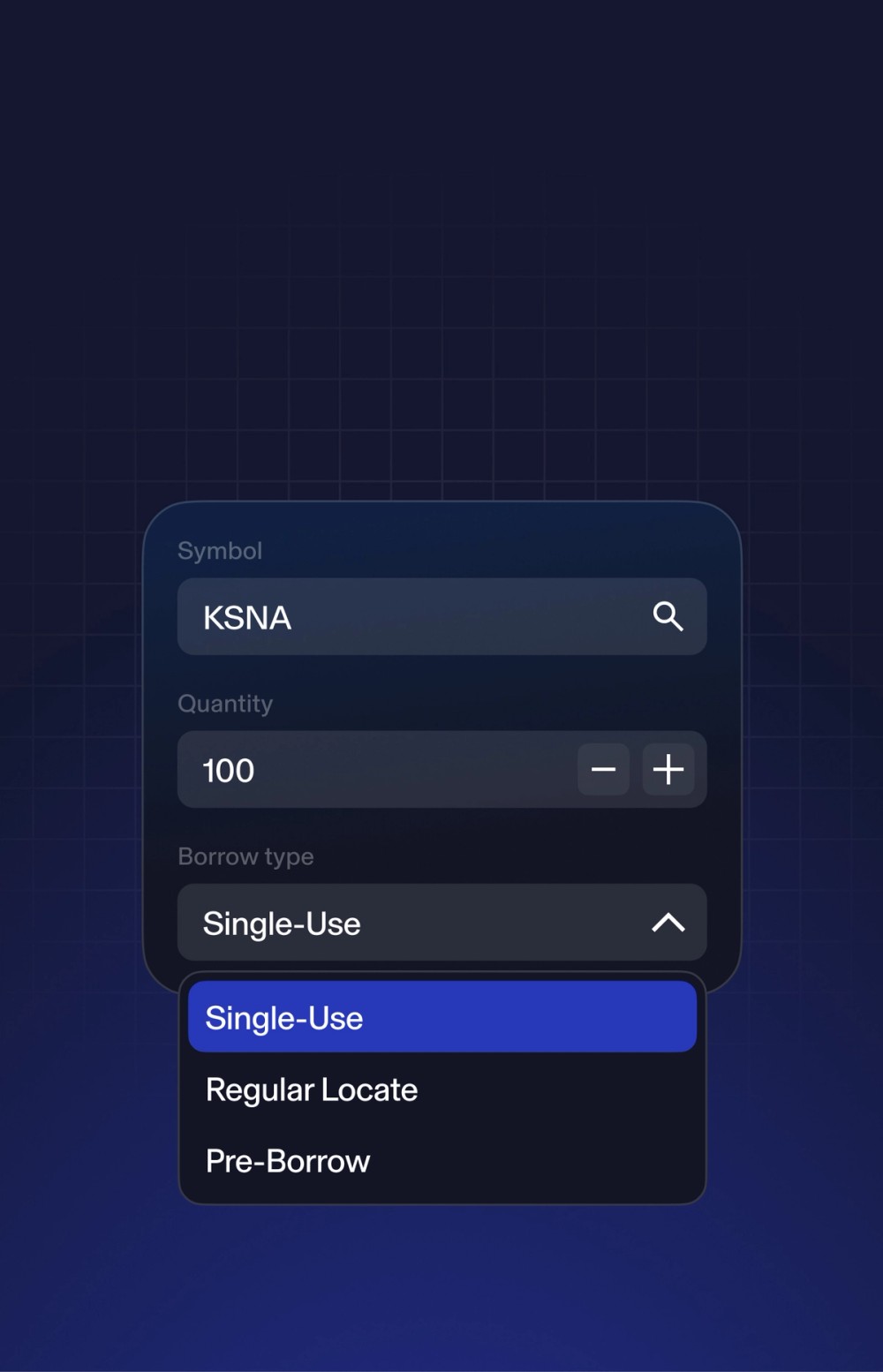
Request by symbol and size
Choose a locate, single-use or pre-borrow to fit the setup.
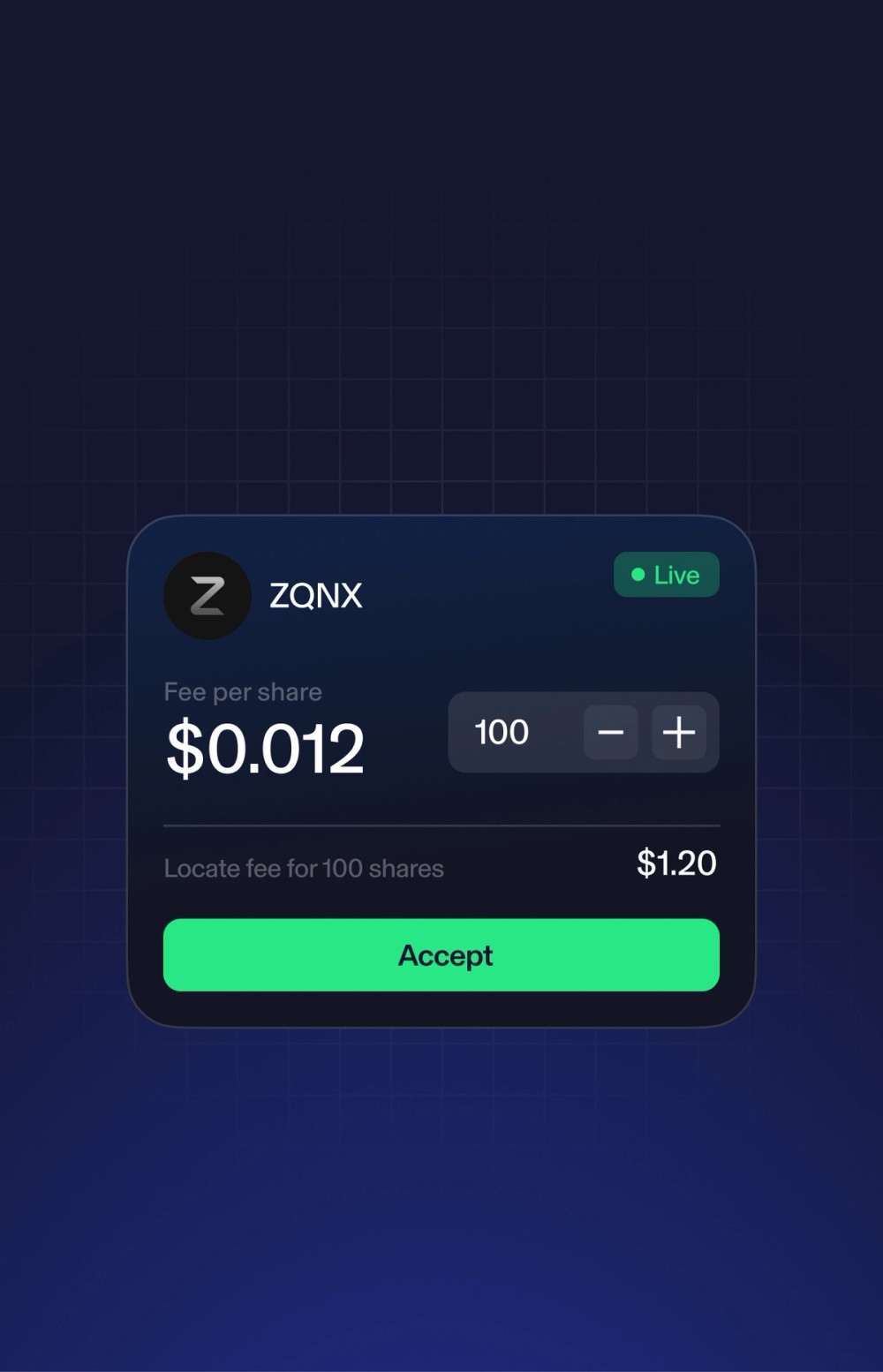
Review the live offer
Check the rate and shares available in real time, then accept.
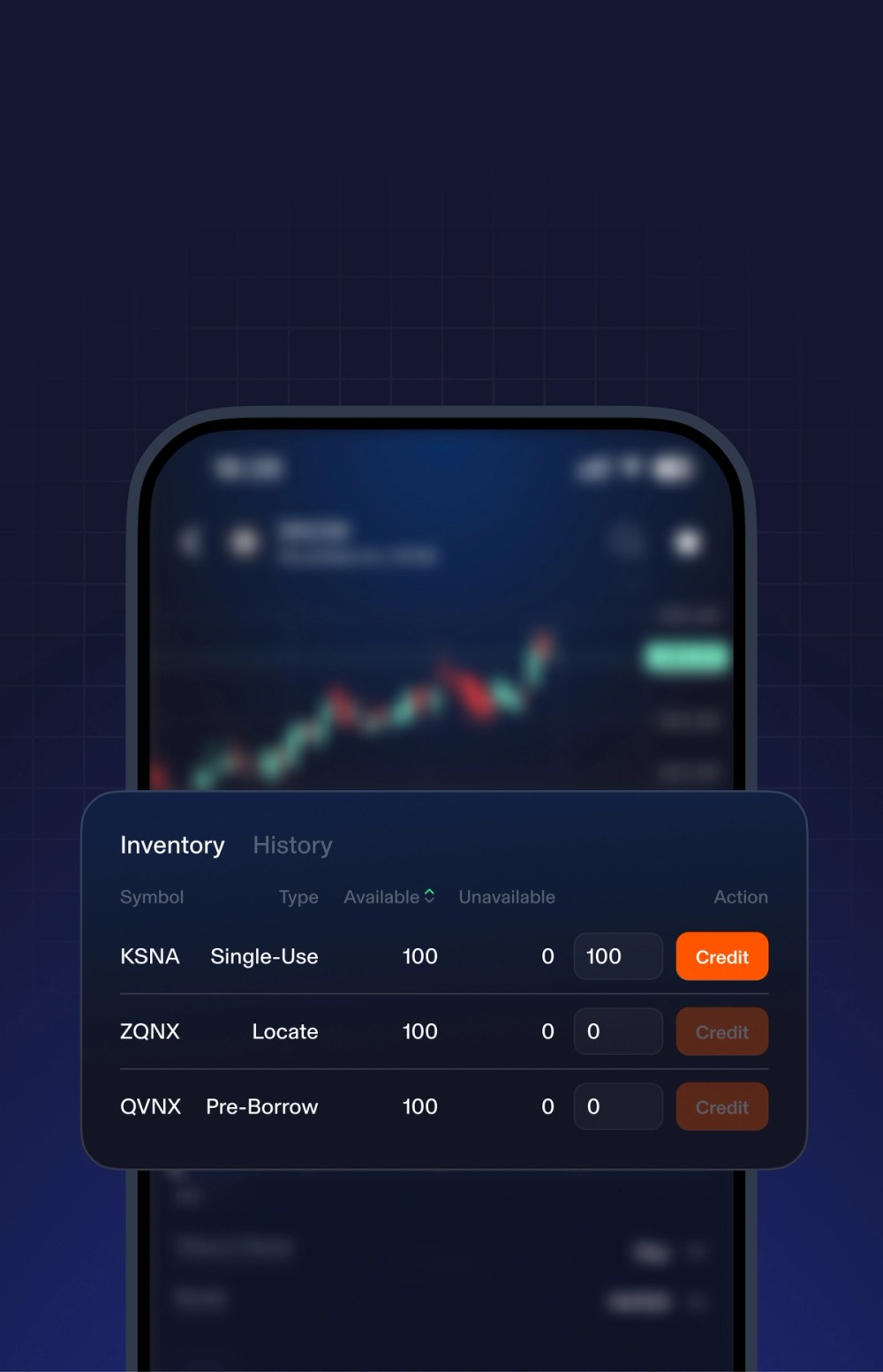
Credit back unused shares
Return the borrow you didn’t use and recover part of the fee.
Short selling involves the risk of unlimited losses and is only suitable for experienced investors. Ensure you understand the risks before proceeding. Please carefully consider your investment experience, financial situation, and risk tolerance before initiating short positions. Fees for locates and related short selling transactions may impact your returns. Please review our Fee Schedule for more information.
Take the Trade — Hotkeys
Set it up once. Trade it with a tap.
Set up your decisions before the market opens. When it’s time to trade, it’s one hold and one tap.
Hotkey decks are stored on each device and don’t sync across devices.

Hotkeys on ZeroMobile
How it works
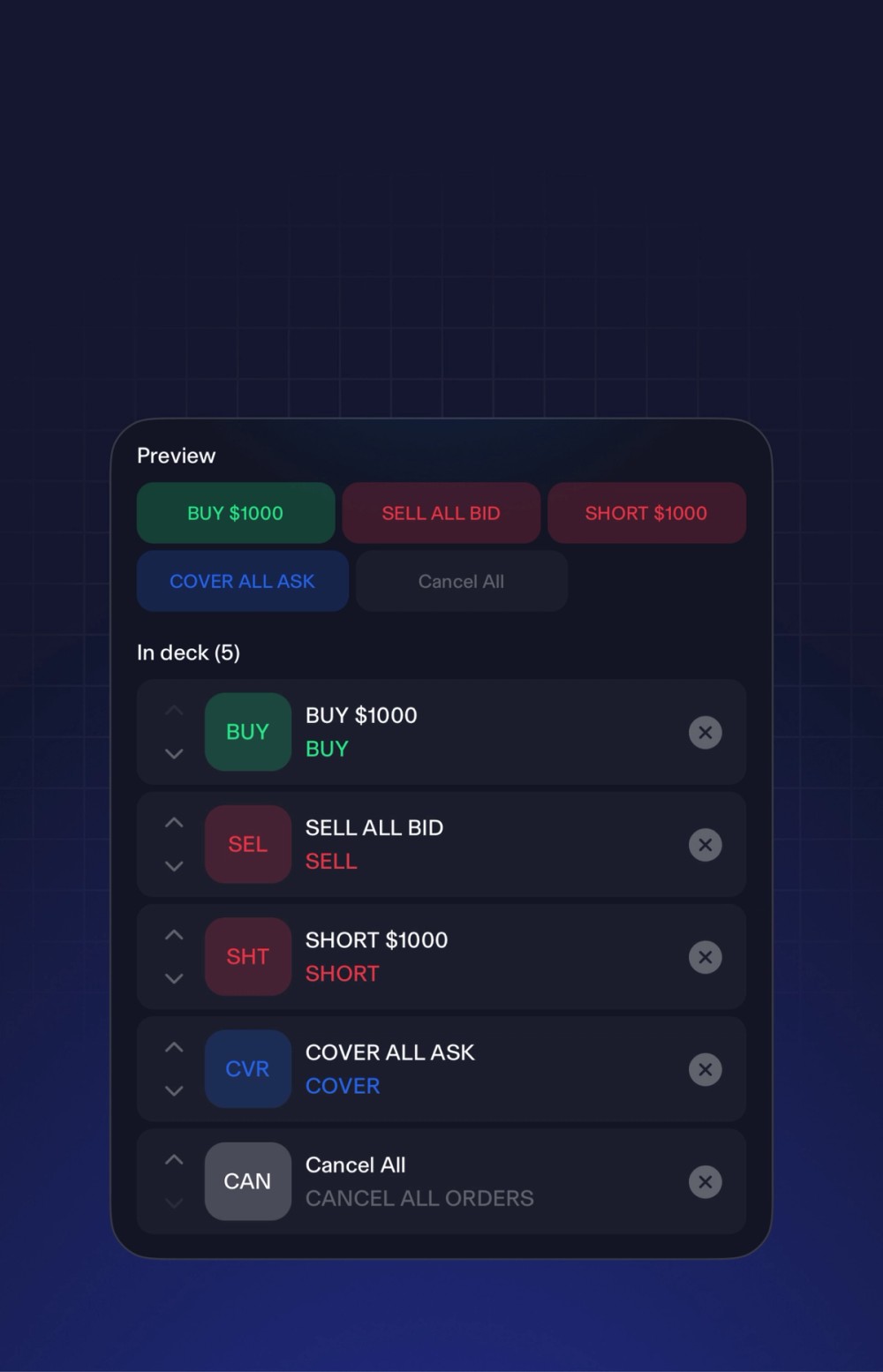
Build your decks
Long, Short and Utility decks, each configured for its purpose.
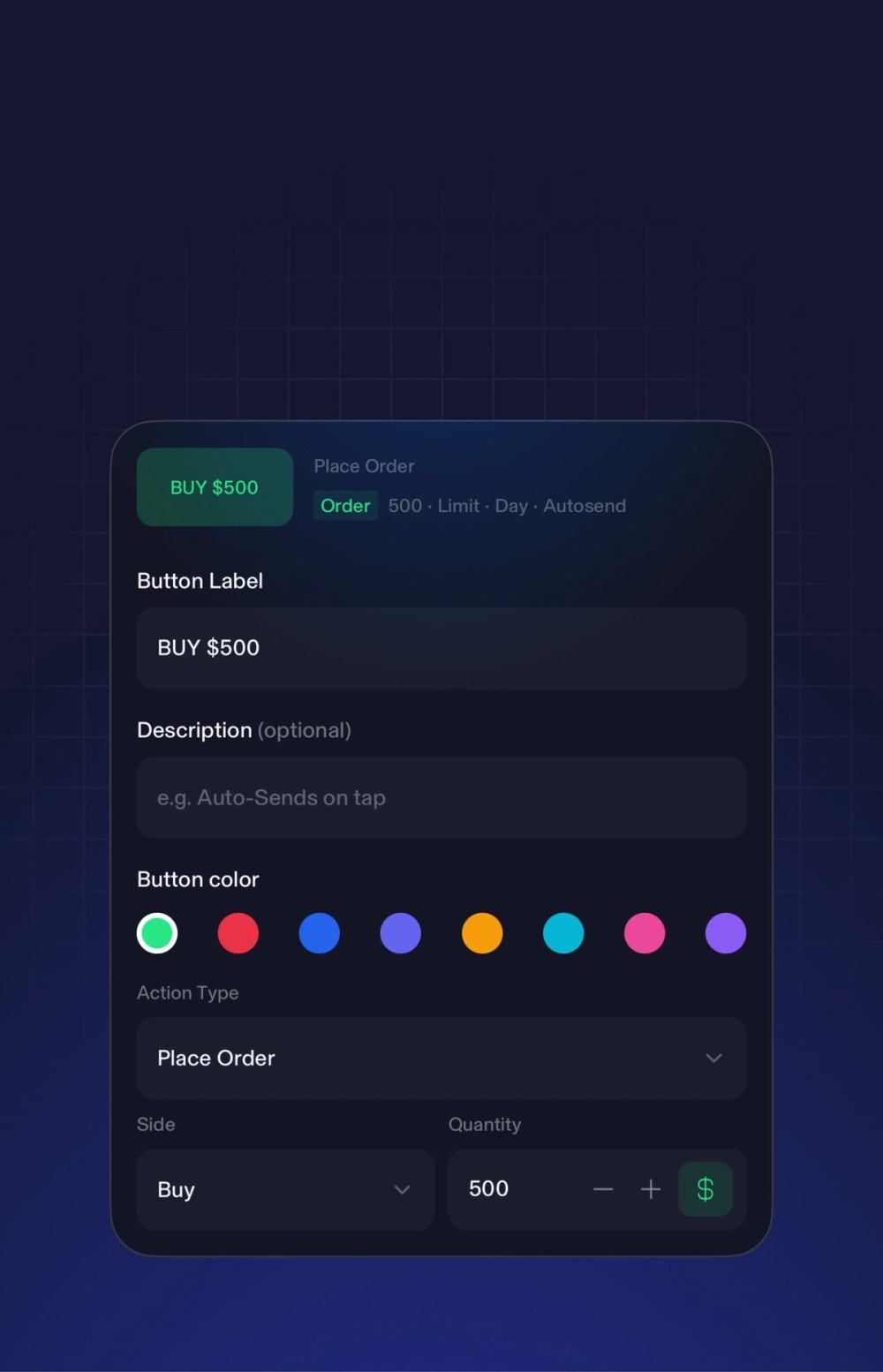
Set each key
Size, type, route, price derivation, label and colour. Confirm first or send direct.
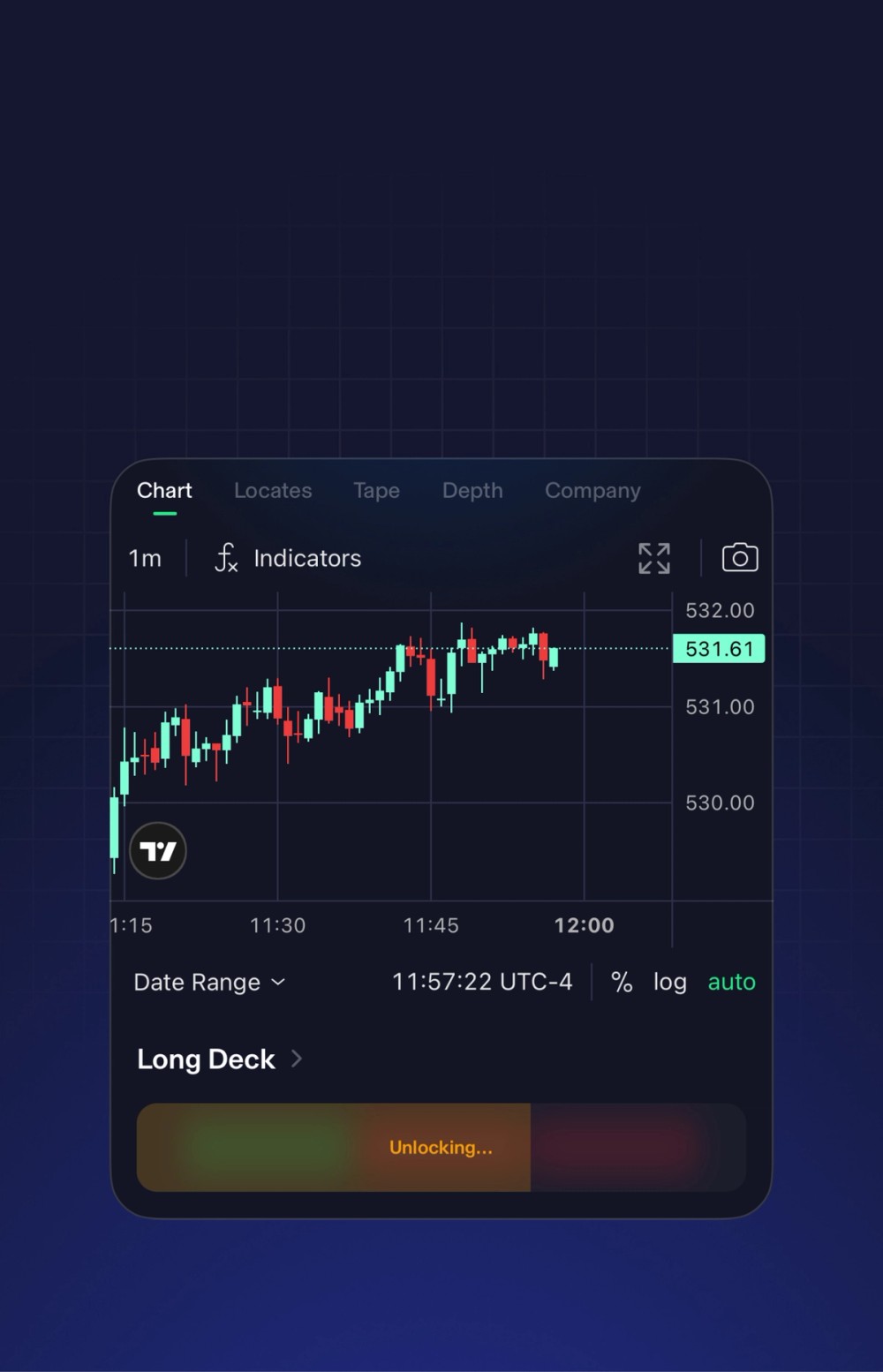
Hold to arm, tap to send
The arming step is always required, so speed stays deliberate.
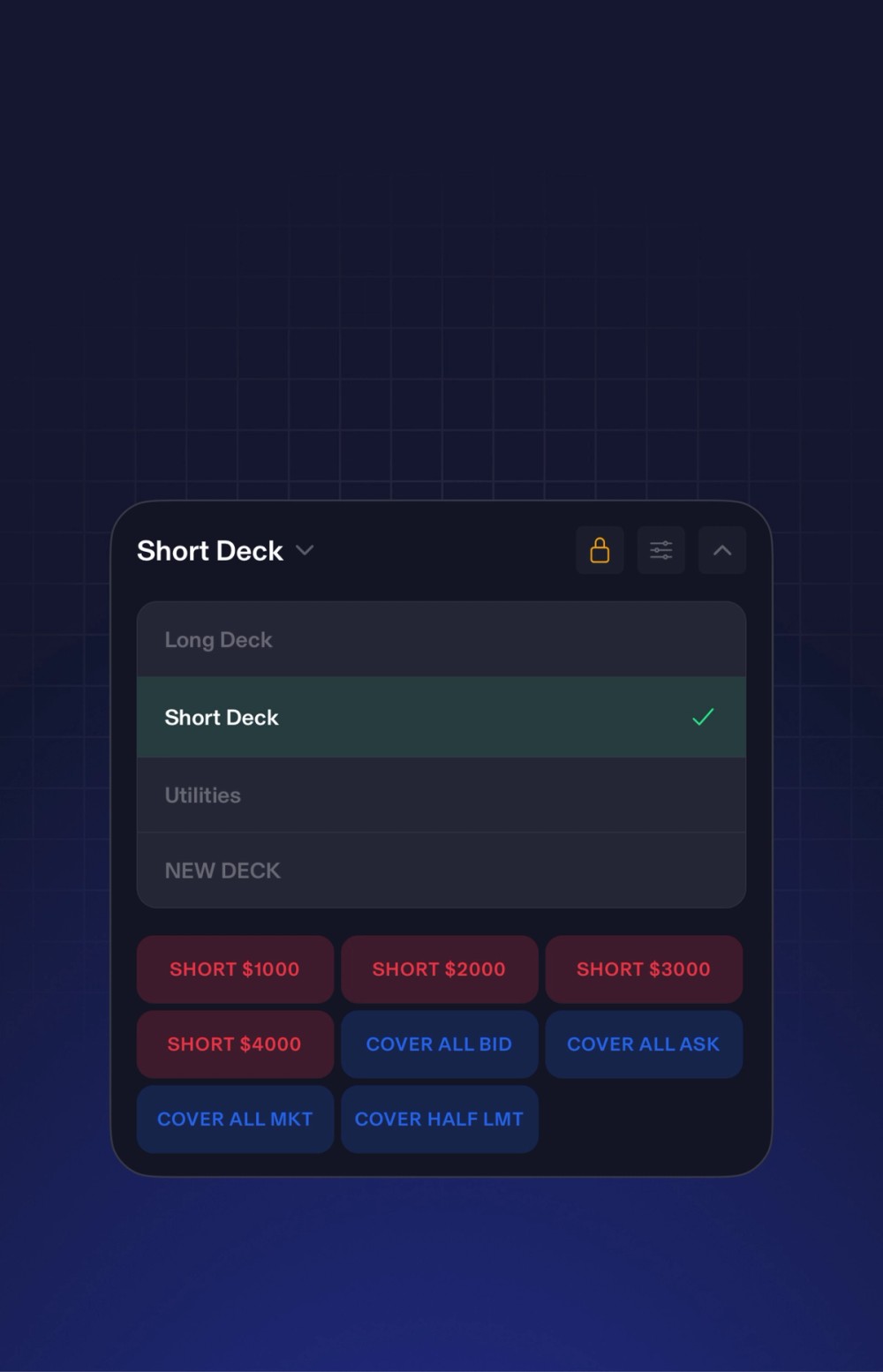
Switch decks mid-trade
Change deck with a tap as the position develops.
Paper Trading
Test your setup before going live
Get familiar with ZeroMobile and practice placing orders with $1 million in virtual funds before trading with real money.

The full TradeZero setup
Everything on desktop, rebuilt for mobile
Advanced core tools — Stock Scanner, News, Locates, Hotkeys — sitting alongside the full depth of the platform. Nothing stripped.
TradingView Charts
Embedded TradingView from 1-minute candles to daily. Full-screen on demand. Chart, tape and depth one tap apart.

Level 2 Depth
Full Level 2 with live spread and a bid/ask imbalance meter. Size up the book before you enter.

Split Screen
Trading on a tablet or a folding phone? Run two pages side by side. Chart on one side, locates on the other. No switching mid-trade.

Order Ticket
Price it, size it, route it — one complete ticket. Market, limit, stop. Pre-market and after-hours from 4:00 AM to 8:00 PM ET.
Single-Leg Options
Full options chain with calls, puts and strikes. Single-leg options from the same ticket as equities.

Watchlists
Your columns, your filters, your sort. Watchlists sync live from your desktop account — nothing to rebuild.

Account & Risk
View your account value, buying power, exposure and leverage on one screen. Day P&L split into realized and unrealized, so you know where you stand.

Positions & Orders
View your open positions, working orders, closed trades and history, one tab apart. Check fills and manage what’s live without leaving the app.

Multiple Languages
Choose from 17 supported languages. Switch language anytime from app settings. Trade in the language you think in.
Reliability and Continuity
Built to keep you connected
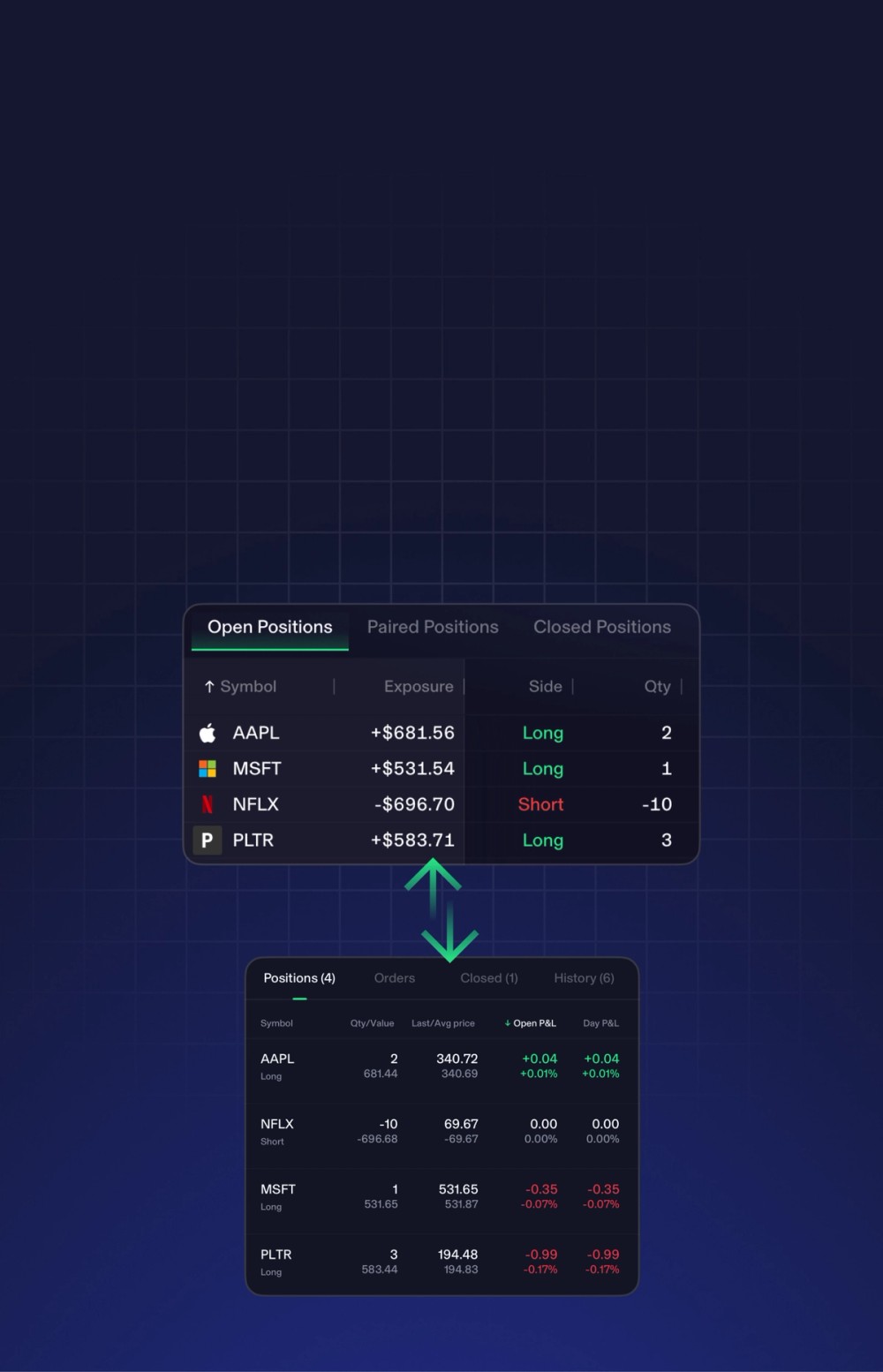
Seamless cross-platform sync
Open a position at your desk. Manage it from anywhere. Watchlists, positions, open orders, balances, and locate inventory sync across your account in real time.
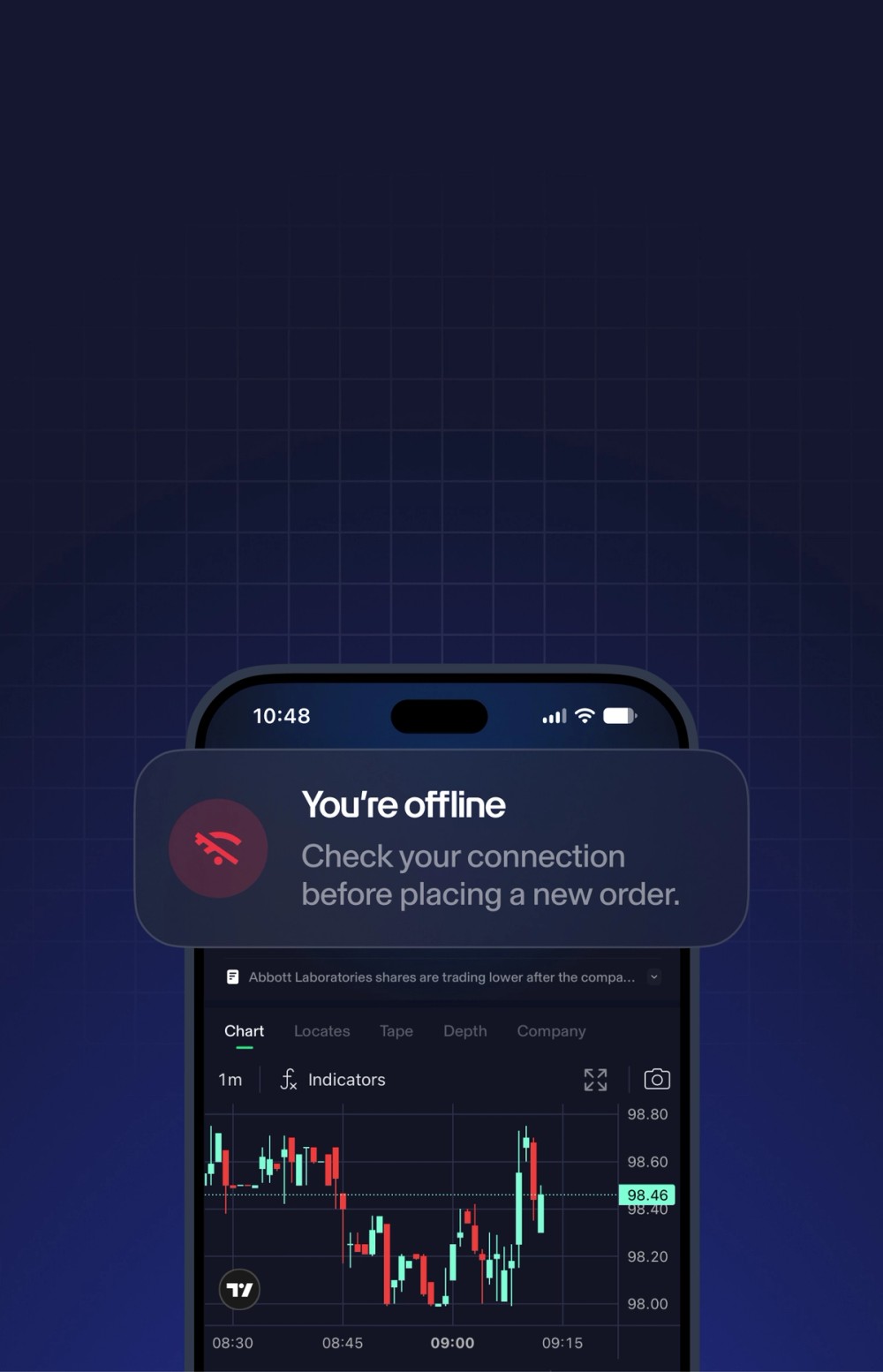
Know when your connection drops
When your connection is down, the app refuses to submit an order and alerts you immediately. You get instant visibility into your order status so you are never left guessing.
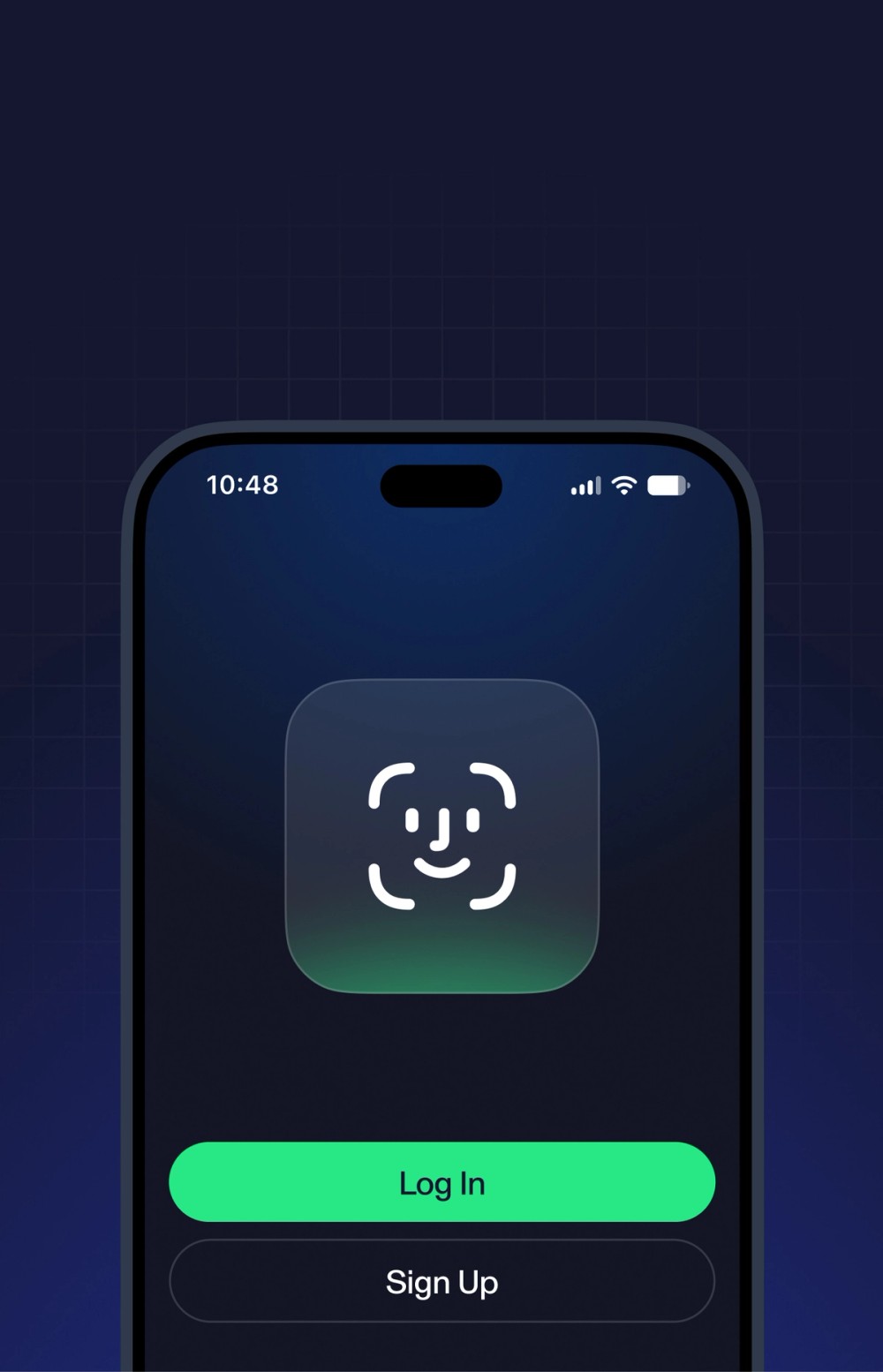
Get back in with Face ID
Use Face ID for a faster, secure sign-in when launching ZeroMobile on your iPhone.
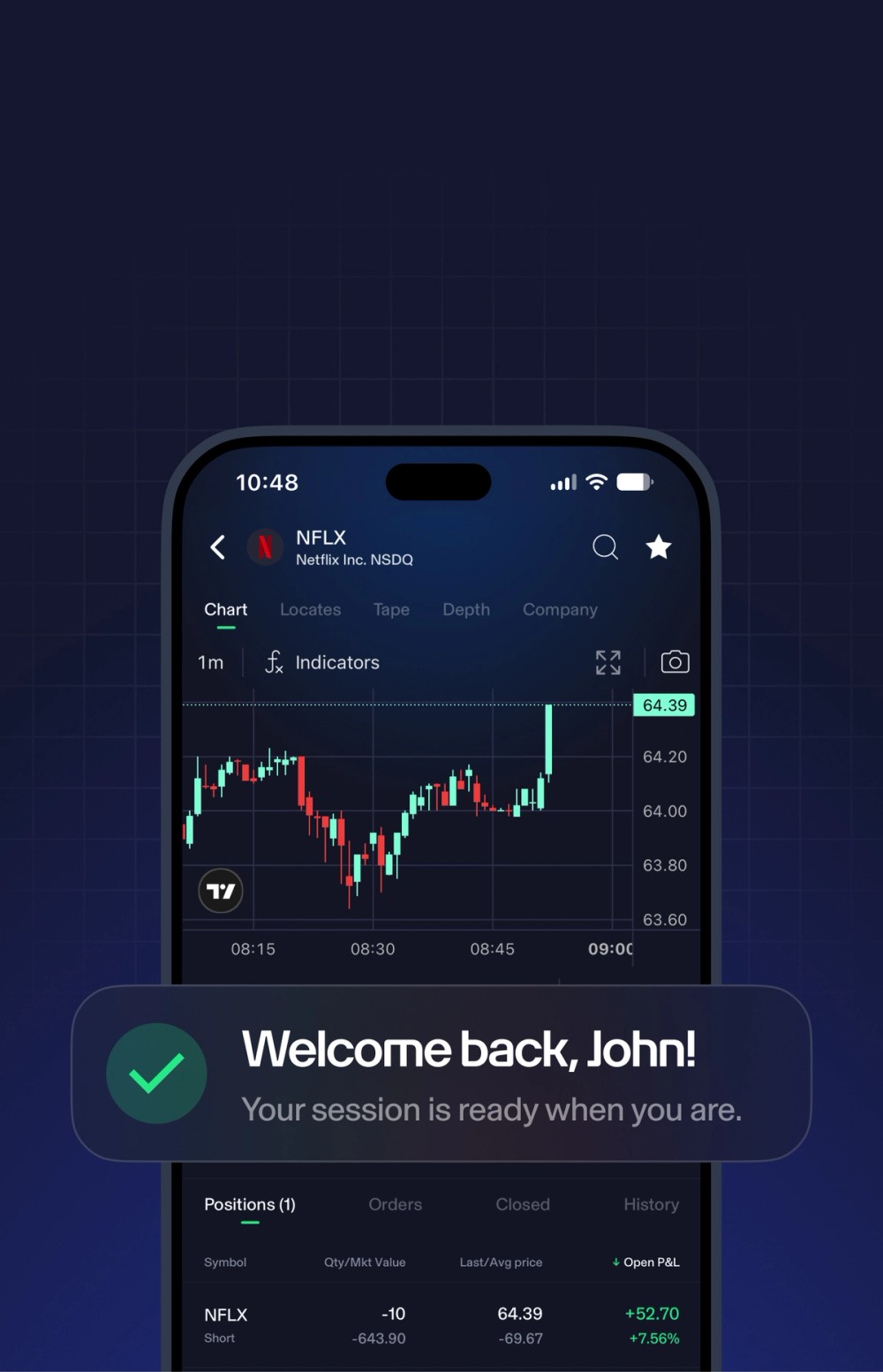
Pick up where you left off
Switch apps and come back to your live session without starting over or signing in again.
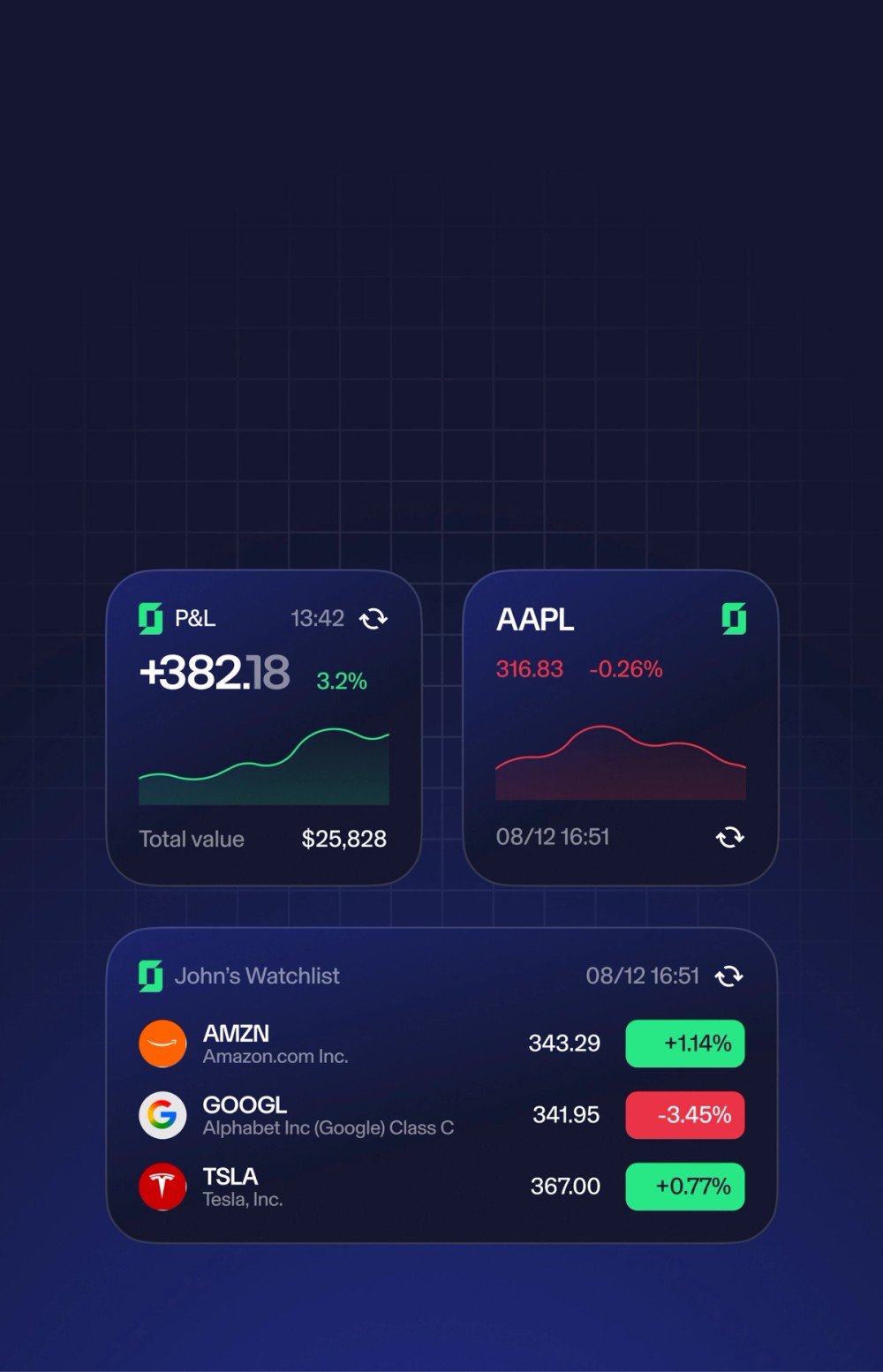
Market updates, right on your Home Screen
Add ZeroMobile widgets to your iPhone Home Screen to keep an eye on key market information without opening the app.

The full TradeZero experience
Now on Mobile
Scan the market, place orders, and manage positions, all from one app. ZeroMobile. Engineered for the way you trade.
FAQs
ZeroMobile is TradeZero’s professional trading app for iOS and Android. Built on the TZ1 platform — the same platform as TradeZero’s desktop — it includes a live stock scanner, 159 news channels, configurable hotkey decks, a full short-locate desk, TradingView charting, Level 2 depth, and single-leg options. Built for active traders, not casual investors.
ZeroMobile includes a live stock scanner with five preset scans — Small Cap Gainers, Small Cap Fallers, Large Cap Gainers, Large Cap Fallers, and Top Volume Leaders — all updating on a 5-minute interval. You can also build custom scans from 14 filters. The scanner persists on your home screen as a floating pill and is also accessible from the Explore tab and a full-screen view. Two taps from a scanner result to an order ticket.
Yes. ZeroMobile includes a news feed with 159 channels: 116 wire sources, 38 press release sources, and 5 SEC filing feeds. You can filter by channel and save your selections as named presets. Two default presets ship with the app: Small Cap News and Large Cap News. Benzinga Squawk live audio is also available inside the app.
Yes. The full locate desk is available on ZeroMobile. You can check ETB/HTB borrow status, request borrow by symbol and size, review a live priced offer, and cover setups with locates, single-use borrows or pre-borrows. Locate inventory is available from 4:00 AM ET. Unused shares can be credited back. Locates are accessible from the Locates tab, the Quote screen, Hot Locates on Explore, and a dedicated hotkey.
ZeroMobile includes configurable hotkey decks. Each key has size, order type, price derivation, route, label, colour and layout set in advance — the decisions that can be made before the trade are made before the trade. To fire a hotkey: hold to arm the deck, then tap to send. The hold-to-arm step is always required. Multiple decks can be built and switched between as the trade develops. Hotkey decks are device-local and do not sync across devices.
ZeroMobile includes embedded TradingView charting on the Quote screen, with timeframes from 1 minute to 1 day. The Quote screen also includes Tape with live buying and selling pressure, and Depth showing full Level 2 with live spread and a bid/ask imbalance meter. Chart, tape and depth are one tap apart from the same screen.
Yes. ZeroMobile supports single-leg options trading from the options chain — calls, puts, strikes, all in view. Multi-leg strategies are not available on mobile yet.
Yes. Watchlists, positions and open orders are shared across your account in real time — open a position at your desk, manage it from anywhere.
If the connection drops, ZeroMobile refuses to submit the order and tells you immediately. You are never left believing an order went in when it did not. The app will not make assumptions on your behalf.
ZeroMobile returns to a live session — no login screen, no reconnect delay. Face ID authentication applies on a cold start only, not every time you return. Your session, positions and open orders are exactly where you left them.
ZeroMobile supports market, limit and stop orders. Pre-market and after-hours trading is available from 4:00 AM to 8:00 PM ET. Order routing is configurable per hotkey or directly from the order ticket.
ZeroMobile supports 17 languages. Language can be changed in app settings.
Yes. Practice placing orders with $1 million in virtual funds and get familiar with ZeroMobile before trading with real money.
Trading symbols used are for illustrative purposes only. Investing involves risk. You may lose more than your initial investment.