
Trade With AI
Trade stocks, options, and source short locates.
Full account management with TradeZero MCP.
Investing involves risk. You may lose more than your initial investment.
Check buying power, review positions, manage orders, and run short locates through AI

Each client has its own plan and UI requirements. ChatGPT Free, Plus, and Pro do not support TradeZero MCP - use Business, Enterprise, or Edu.
References to the above products are for descriptive purposes only and do not imply endorsement, sponsorship, or affiliation.
From account insights to execution
Bring key TradeZero workflows into a supported AI assistant while keeping every trading decision in your hands.
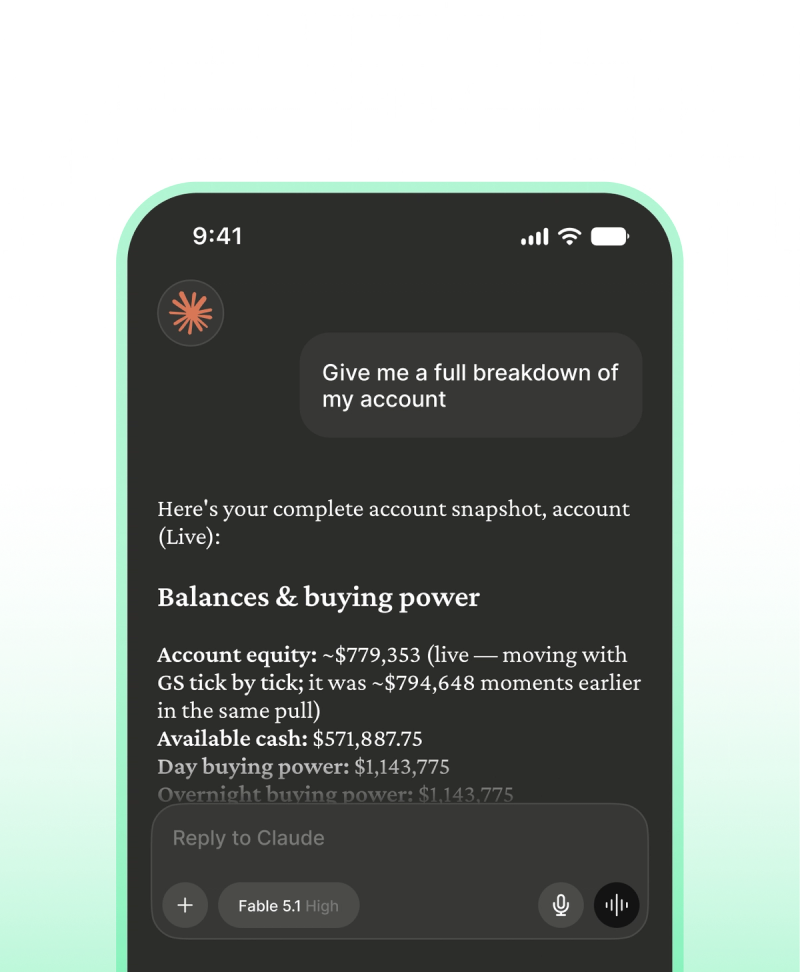
Know your account
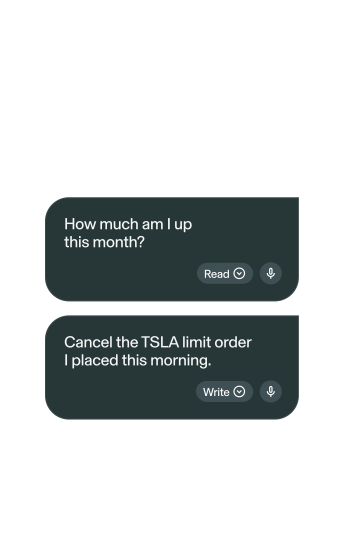
Check balances, buying power, positions, P&L, account status, and recent activity.
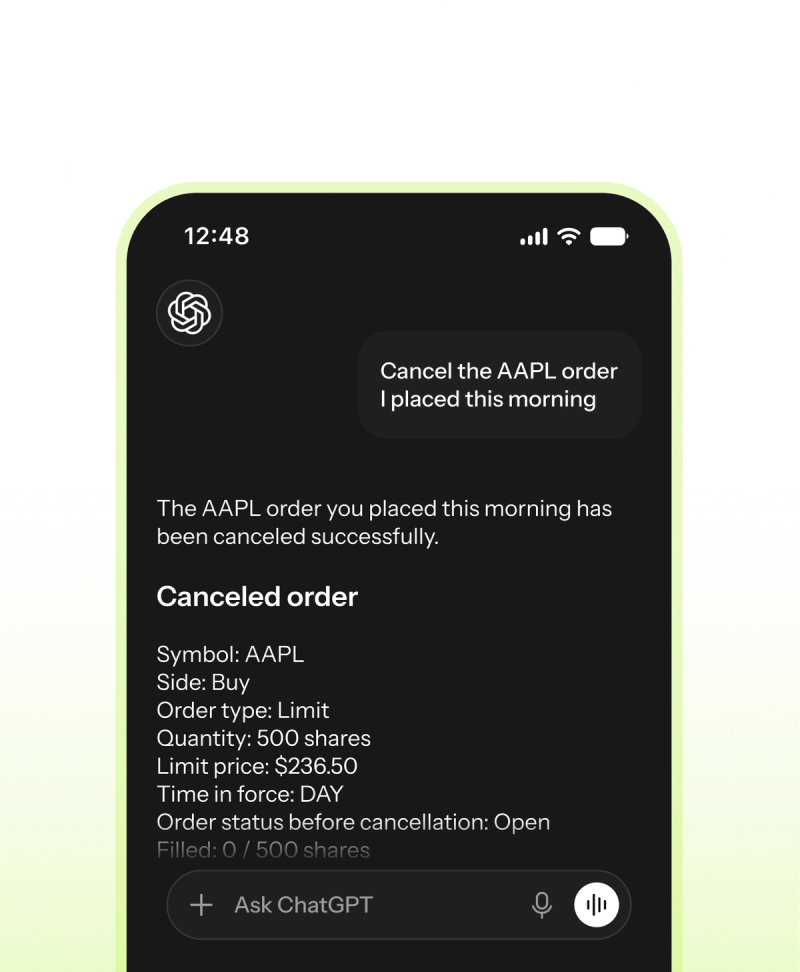
Manage your orders
Review working orders, place supported equity orders, and cancel orders with your approval.
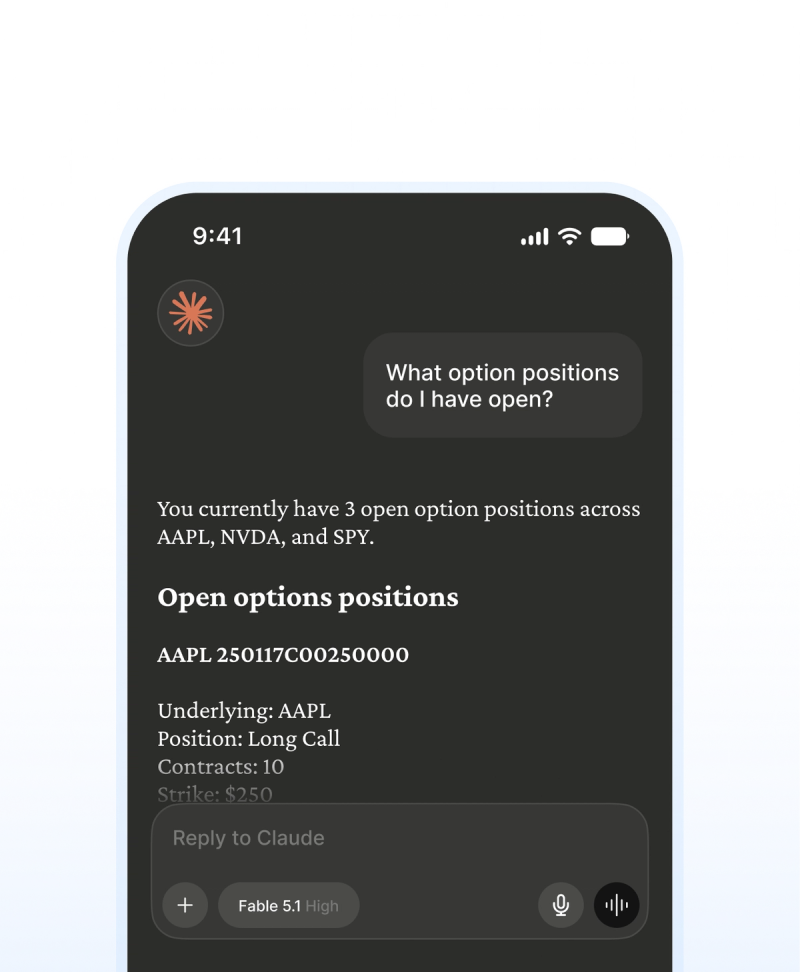
Work with options
Access supported options data and place supported single-leg or multi-leg orders through MCP.
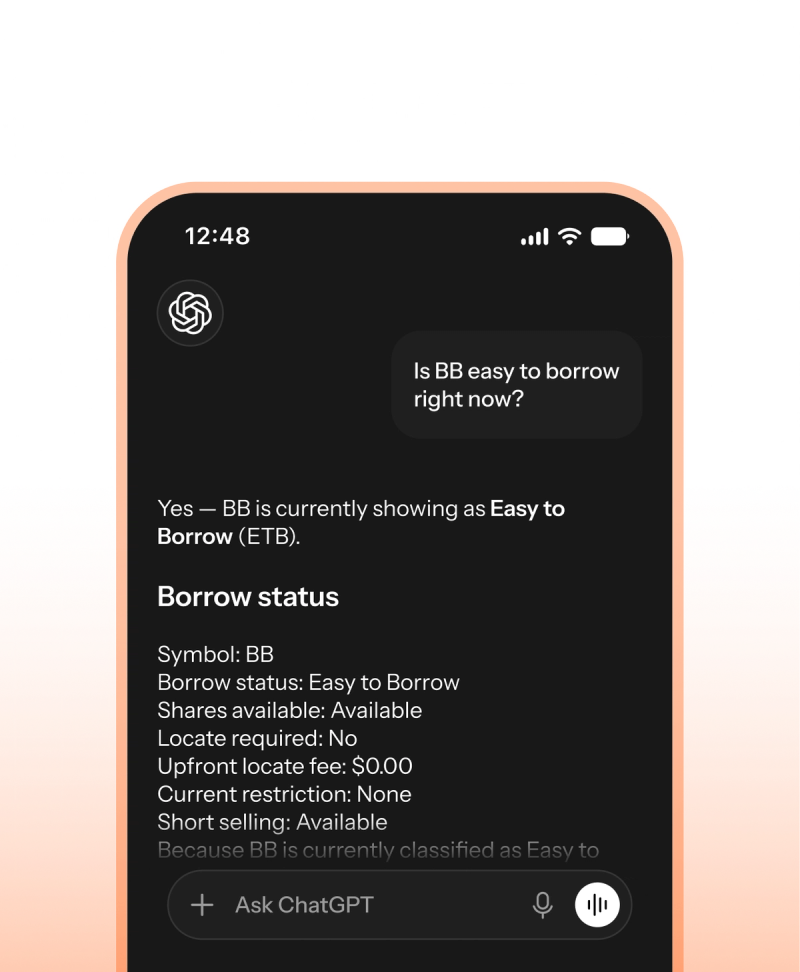
Manage short selling and locates
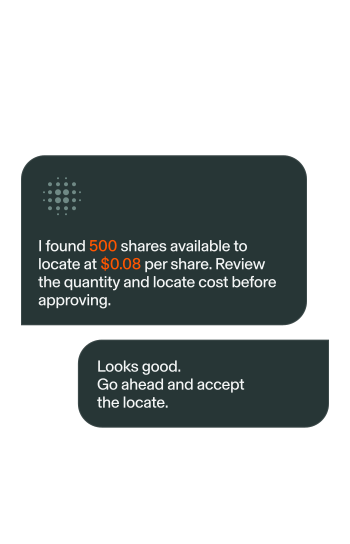
Check availability, request quotes, review locate cost, accept locates, and manage unused inventory.
Prompts above are for illustrative purposes only, and should not be viewed as investment advice or recommendations. AI assistants can produce inaccurate or incomplete information. TradeZero MCP provides access to supported account and trading functions and does not provide investment advice. Always review order details before approving a transaction. Investing involves risk. You may lose more than your initial investment.
Connect Once And Put Your AI To Work

Go Deeper
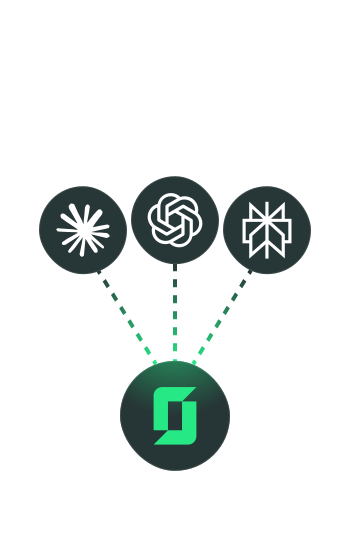
Step-by-step setup guide for Claude, ChatGPT, Perplexity,
Cursor, and VS Code — plus the full reference for all 21
available tools.

Bring AI-assisted
Workflows To Your
Trading
Connect your TradeZero account to your favorite models
in minutes and command your portfolio in natural language.

AI-assisted Execution.
Human Control.
TradeZero MCP is AI-assisted account management that keeps you in control.
It operates strictly as an assisted environment where a connected AI model
cannot trade on its own—every action that commits capital or accepts a
locate requires your explicit approval.
FAQs
There is no separate MCP credential - access requires API Trading enabled in the Portal. Standard trading and locate fees still apply on live accounts. Your AI assistant may still require its own paid plan (for example ChatGPT Business/Enterprise/Edu, or Perplexity Pro/Max/Enterprise).
Your TradeZero login determines the environment. Read “accountType” from “list_accounts” before any write operation. Short locates require a live account.
No. Personal assistants use OAuth sign-in (paste the hosted URL and sign in). Partner platforms connecting customer accounts use OAuth Partner Integration. Direct REST and WebSocket integrations use API keys.